Session Terminal: A Workspace for Persistent AI Work
Why serious agentic work needs durable tabs, visible status, and a terminal surface that remembers what the agent was doing.
The command line is still the fastest lane into AI work. But once you run multiple agents, the real problem becomes drift: lost purpose, hidden status, fragile recovery, and context scattered across too many surfaces.
The first thing I learned from serious AI work is that the agent is not the whole system.
The workspace matters just as much.
If you are asking one model one question, a normal chat box is fine. If you are running real work across code, content, outreach, video, local servers, production checks, transcripts, and campaign queues, the surface starts to break down. You are no longer having a conversation. You are operating a small production system.
That is where the default terminal starts to feel both powerful and fragile.
The command line is still the fastest lane into the work. It is direct. It is composable. It gives an agent access to the files, commands, processes, and environment where real things happen. But the more useful the agent becomes, the easier it is to lose the thread.
One tab is manageable.
Nine active agent tabs is a different problem.
That is the problem Session Terminal is built around.
Agents Need A Place To Live
I keep coming back to one phrase for Session:
Agents that live forever.
That sounds bigger than it is, and also exactly right.
An agent does not live the way a person lives. It lives through state: a terminal session, a working directory, a model thread, a resume command, a task summary, a set of instructions, and enough metadata to know what it was doing before the window closed.
When that state disappears, the agent may still be technically recoverable, but the work gets expensive. You have to reload context. You have to re-explain intent. You have to rediscover the file paths, the assumptions, the open loops, and the reason the tab existed in the first place.
That is not just annoying.
It changes how much AI work you can actually run.
If every agent session is fragile, you become cautious. You run fewer things at once. You wait too long for one task to finish. You avoid context switches because getting back into the work costs too much.
If every agent session has a durable identity, the operating model changes. You can give one agent website work, another content production, another planning, another CRM or outbound support, and know that each one can be resumed without rebuilding the whole situation from scratch.
The agent is not magic because it is always running.
It becomes useful because the workspace lets it come back.
The CLI Is Fast. Agents Add Drift.
The terminal is the cleanest place I have found for serious agentic work. I tried heavier app surfaces. I tried editor-centric flows. I still use plenty of tools around the work, but when the goal is to get close to the system, the terminal keeps winning.
The problem is not the terminal itself.
The problem is drift.
As soon as you run multiple agents, each one starts accumulating its own context. One is working on a website. One is producing a newsletter. One is managing a video package. One is checking a campaign. One is helping with a reply. Each tab has a purpose, but the purpose is easy to lose if the tab is just a blank shell with a scrollback buffer.
The work spreads across too many places:
- terminal tabs
- model sessions
- local dev servers
- task cards
- browser previews
- transcripts
- files
- deployment notes
- campaign records
That is where people burn time. Not because the AI is weak, but because the operating surface is not durable enough for the work.
Watch the short version: why agents need durable workspaces, visible state, and a reliable way back into the thread.
What Session Adds
Session Terminal started as a fork of Wave Terminal because I wanted the terminal to carry more of the working context.
The core idea is simple: a tab should know why it exists.
When I bind a Codex session to a Session tab, the workspace gets a small durable metadata file. That file records the tab name, lock state, agent binding, session ID, resume command, working directory, task summary, restart notes, and current status.
That may sound mundane. It is not.
It means the work has a named home. The agent can read the file. I can read the file. The tab can show whether the agent is idle, thinking, or needs attention. If the terminal drops, I can resume the model session. If the tab is important, it stays locked. If the project changes, the metadata changes with it.
Session is not trying to hide the terminal.
It is trying to make the terminal remember.
The first useful version is intentionally narrow:
- durable tabs
- agent-aware metadata
- visible status
- locked workspaces
- restart context
- Windows and WSL continuity
That is enough to change the rhythm of the day.
Instead of treating every terminal as temporary, each tab becomes a persistent operating surface. Marni can be the content production studio. Friday can be the planner. Tim can be the communication surface. Dev Master can handle the project environment. Each one can have a different purpose, memory trail, and visible state.
The interface does not need to be fancy for that to matter.
It needs to be reliable.
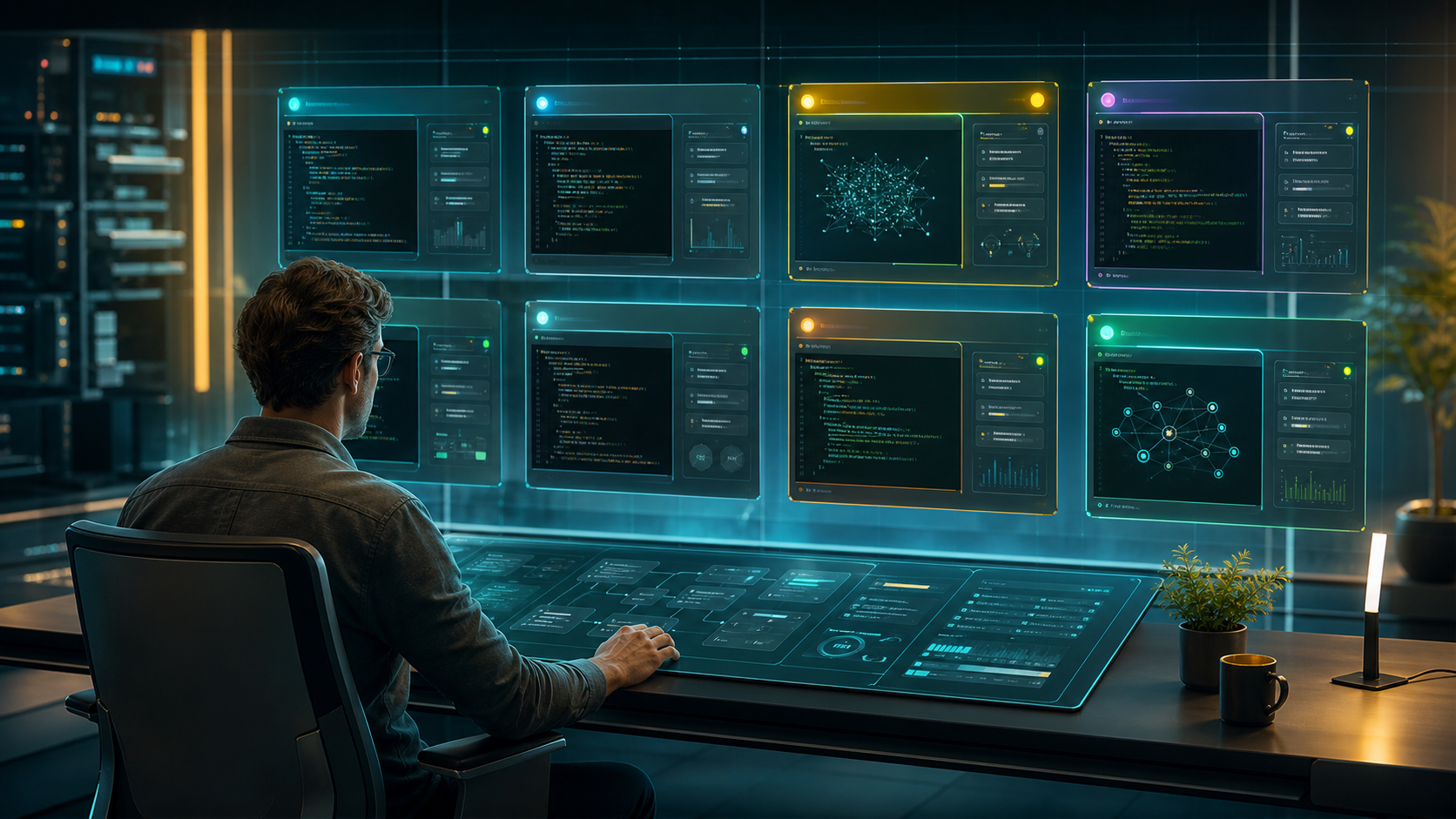
The goal is not more windows. The goal is a work surface where every active agent has a durable place, a visible state, and a way back into the thread.
The Real Product Is The Operating Pattern
The recording behind this article was not a polished demo.
It was a real work session. I was showing Session while using Session. Marni was visible as the content production agent. The work queue was open. The source recording became a transcript. The transcript became this article brief. The same campaign package will become email and LinkedIn distribution.
That is the point.
Session is not a speculative product page sitting next to the work. It came out of the work.
In the recording, I showed the simple mechanics: a terminal session with an identifier, a Session tab that knows about it, a Codex session bound to that tab, and metadata that makes the whole thing recoverable. I also showed the next layer up: Command Central running inside the workspace, where Marni has a production queue and artifacts for video, articles, newsletters, and campaign assets.
Those layers are separate, but they reinforce each other.
The terminal gives the agent power.
The metadata gives the agent continuity.
The work queue gives the human a way to direct and review.
The campaign record turns the work into distribution.
That combination is the real product pattern: persistent AI-assisted work surfaces where a human can direct, inspect, resume, and ship.
Why This Matters Now
AI work is moving from experiments into daily operations.
That changes the infrastructure requirements.
When AI is a novelty, you can tolerate messy workspaces. When AI becomes part of how the business actually runs, you need durable context, visible state, and clean recovery. You need to know which agent is doing what. You need to see when something is waiting for you. You need the next instruction and the restart path in the same place.
The future is not just more autonomous agents running somewhere in the background.
Some of the most valuable AI work is still human-directed: review this, fix that, publish the article, create the preview, send the campaign, check the numbers, queue the next group, summarize the transcript, produce the video.
That kind of work benefits from multiple agents, but only if the operator can keep track of them.
Session is my answer to that operating problem.
It is a terminal workspace that remembers what you are working on.
It gives agents a place to live.
And it gives the human a calmer way to keep moving.
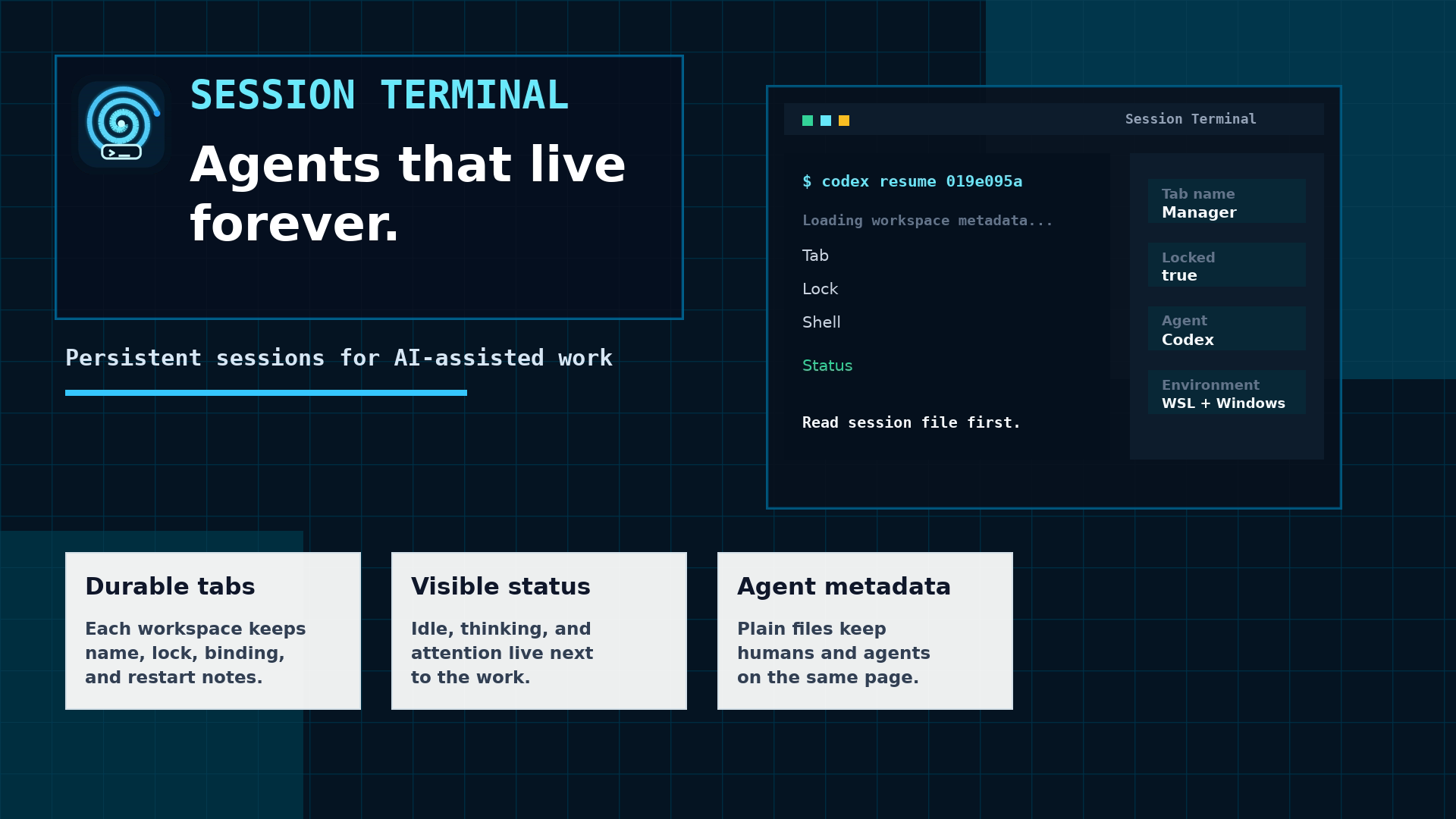
Session is a terminal workspace for persistent AI-assisted work: durable tabs, visible agent state, and restart context where the work is happening.
Source Note
This article was produced from a live Morning Scrum recording on May 21, 2026. The source session covered the Session Terminal product story, the challenge of managing multiple CLI-based agents, and a real example of Marni operating as a persistent content production agent inside Command Central.
You can learn more about the product on the Session Terminal page.
Dispatch
Get the next field note
New articles, show notes, and practical lessons from the Strattegys AI crew.
 Spotlight
See How AI Changes the Calculus for GTM Strategy
Explore a real-life Mirror Teams strategy session showing how AI lowers the barriers to comparing options, testing assumptions, and turning market analysis into executable work.
 Spotlight
The Voice Layer Behind Real AI Production Work
AI production is not just about better models. It is about moving intent through the system quickly enough that agents, terminals, editors, and publishing workflows can keep up.
 Spotlight
AI Can Generate a Page. LandingRabbit Wants to Make It Usable.
LandingRabbit is trying to solve the part of AI landing-page work that happens after the first draft: structure, editing, source context, feedback, and human judgment.